

Weight Loss Calculator KG to LBS: Easy Conversion Guide
You step on the scales and see your weight in kilograms. Your tracking app, however, is set to pounds. The result is a trail of numbers that looks inconsistent, even when your body weight hasn't changed in any unusual way. A weight loss calculator kg to lbs can solve the arithmetic, but only if you also control the units entering and leaving each tool.
That distinction matters when you're pairing weigh-ins with food tracking, activity logs, and BionicGym sessions. The calculation is simple. The practical challenge is keeping every device, app, spreadsheet, and calculator aligned so that a change in display doesn't look like a change in progress.
Why Unit Confusion Derails Your Weight Loss Journey
Sarah weighs herself before work and records 2 kg of progress on her smart scale. Later, her friend checks the same change in an app set to pounds and sees roughly 4.4 lb. Both figures can be correct, yet Sarah feels that her records are telling different stories.
The problem isn't the scale. It's the absence of a baseline unit. Ireland commonly uses the metric system, while many apps and online fitness resources also support pounds. If Sarah enters kilograms into a field expecting pounds, the calculator may interpret the value incorrectly. If she converts manually and then uses a tool that converts automatically, she can create a second error without realising it.
Practical rule: Choose kilograms or pounds as your master unit, then let every other display serve as a conversion rather than a replacement.
How fragmented logs create false plateaus
A fragmented record makes trends harder to read. One day may show kilograms from the scale, another may show pounds from a mobile app, and a third may contain a manually rounded figure. The numbers can look like a sudden gain, stall, or drop when the underlying measurement is being expressed differently.
This confusion can also affect how you review your routine. If your weight entry is inconsistent, you may change your eating plan or BionicGym schedule because the log appears to show no movement. That reaction adds unnecessary pressure and makes it harder to judge whether your overall approach is sustainable.
For broader context on factors people often associate with weight management, NexiHerb LLC's discussion of metabolism can be useful background reading. It shouldn't replace a consistent measurement process or professional guidance.
A cleaner tracking habit
Use one simple system:
- Set a baseline: Keep your main log in kilograms if that matches your scale and everyday measurements in Ireland.
- Record conditions: Weigh under broadly similar conditions, such as at the same point in your routine.
- Convert only when needed: Use pounds for a service, coach, or app that requires imperial input.
- Label every export: Add “kg” or “lb” to spreadsheets and notes rather than relying on memory.
Small unit slips can feel like major setbacks. Once the baseline is clear, your weigh-ins, calculator outputs, and exercise records become easier to interpret.
Mastering the Kg to Lbs Conversion Formulas
The core calculation uses one reliable multiplier. To convert kilograms to pounds, multiply the kilogram value by 2.20462, as shown in this kilograms-to-pounds conversion reference. In practical terms, 1 kg is about 2.205 lb.
The reverse calculation uses division by 2.20462. You can also multiply pounds by approximately 0.45 kg, which matches the rounded reverse conversion used in Irish travel and measurement references, as documented by Nordic Visitor's Ireland weights and measurements guide.
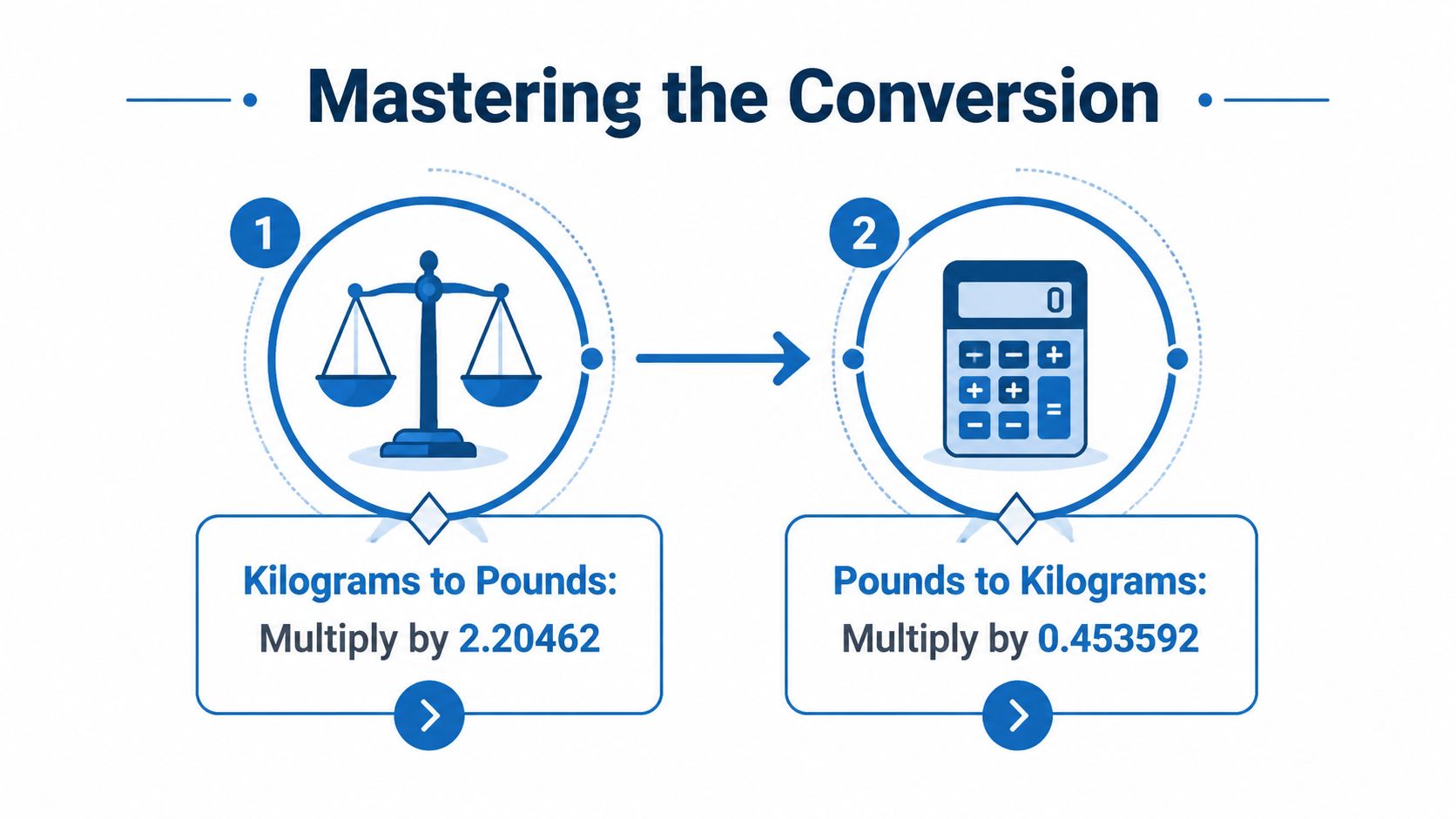
The two formulas in practice
Kilograms to pounds
- Start with the kilogram value.
- Multiply it by 2.20462.
- Round the result only after the calculation if your app doesn't need extra decimal places.
For example, a 70 kg entry becomes 154.3234 lb before rounding. A tracker might display that as 154.3 lb, depending on its settings. The precise output and the rounded display describe the same mass.
Pounds to kilograms
- Start with the pound value.
- Divide it by 2.20462, or use the rounded factor of 0.45 when an approximate result is sufficient.
- Keep the original value in your master log so you can audit the conversion later.
A pounds entry of 154.3 lb converts to approximately 70 kg. The result may vary slightly from the original because one figure is rounded, not because the calculator has found a different measurement.
How to use a calculator without corrupting the input
Before entering a number, identify three things:
| Check | What to confirm |
|---|---|
| Input unit | Does the field expect kg or lb? |
| Output unit | Is the result shown in the unit you want to compare? |
| Rounding | Does the tool display whole units or decimals? |
Don't convert a kilogram figure into pounds before entering it if the calculator already offers a kg input field. Enter the original measurement, select the correct unit, and allow the tool to perform the conversion. For date-based planning, the BionicGym weight loss calculator by goal date can help you keep the planning process connected to a consistent starting figure.
The mental shortcut is useful for a quick sense check. 1 kg is a little more than 2 lb, so a kilogram value should produce a pound value slightly above double. If your result is close to half the original, you've probably converted in the wrong direction.
Choosing and Using a Trusted Weight Loss Calculator
Calculator interfaces differ in ways that matter. One may ask for kilograms first, another may default to pounds, and a third may display both without making the active input unit obvious. The most useful tool is the one that makes the unit visible before you submit the data and keeps the output clearly labelled.
The BionicGym Weight Loss Calculator page is the practical destination for readers who want to connect weight entries with diet and BionicGym use. Treat its results as planning estimates, not guarantees. Weight loss depends on your food intake, activity, adherence, and individual response.

A practical comparison
A basic calculator can be perfectly adequate when you only need a conversion. It becomes less useful when you're trying to organise a broader weight-management routine.
- Conversion-only tools: Good for checking a single kg-to-lb or lb-to-kg result.
- General weight calculators: Useful for combining body measurements with a target, but check whether the selected unit remains active throughout the form.
- Goal-based tools: More useful for planning because they connect a target with a timeline and activity assumptions.
- BionicGym's calculator: Relevant when you want to consider diet and BionicGym sessions together, while still treating the output as an estimate rather than a promise.
Start with your original scale reading in kilograms if that's how you measure. Check that the calculator identifies kilograms as the input, then review whether the output is presented in kilograms, pounds, or both. Avoid entering a converted number into a field that will convert it again.
A calculator should reduce decisions, not create another layer of unit checking.
The reverse-direction check is also valuable. Irish measurement references show a pound as approximately 0.45 kg, which gives you a quick way to test whether a displayed result is in the right range. If the output looks dramatically different from that relationship, pause before saving it.
For a fuller view of the energy side of planning, you can also use BionicGym's basal metabolic rate calculator. Keep the same unit convention across both tools, and write down the settings you used so you can repeat the process consistently.
A calculator won't compensate for a confused log. Use it as a central reference, save the result with its unit, and avoid comparing a raw kilogram reading against a converted pound output as though they were separate measurements.
Common Unit Mistakes and How to Sidestep Them
Most tracking errors are ordinary, not technical. Someone sees a number, types it quickly, and assumes the app knows whether it represents kilograms or pounds. That assumption is where avoidable mistakes begin.
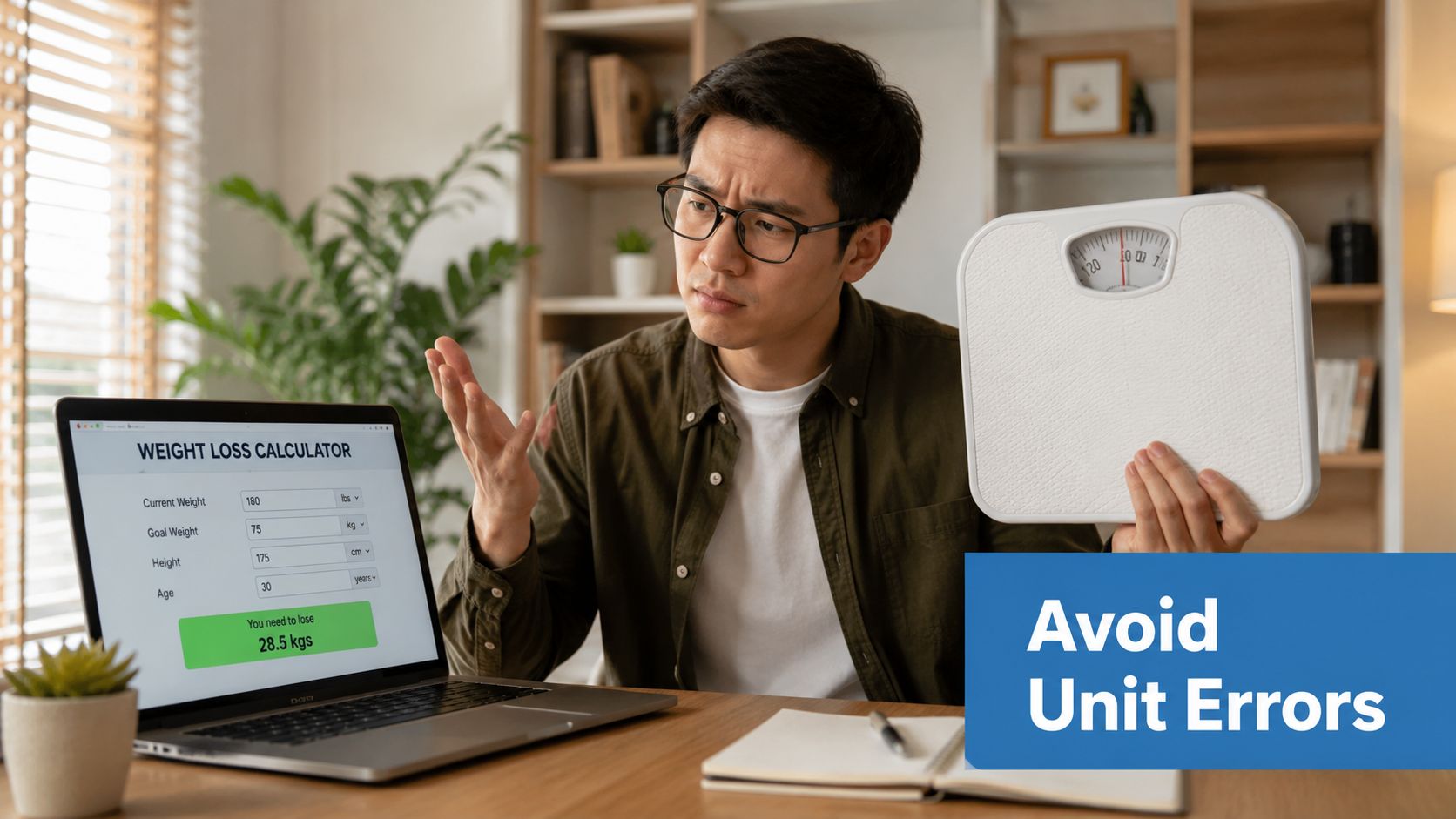
The double-conversion trap
This happens when you convert a number manually and then enter it into a calculator that automatically converts it. A kilogram value becomes pounds on paper, then the tool treats that pound figure as kilograms and converts it again. The output can look precise because the calculator is doing correct mathematics on the wrong input.
Fix: Enter the measurement in the unit shown on your scale whenever the tool accepts it. Convert manually only when the destination field explicitly requires the other unit.
The silent unit switch
You may begin a programme recording kilograms, then switch to pounds because a coach, app, or online group uses imperial measurements. The log still looks tidy, but the entries no longer belong to one comparable series.
Fix: Put the unit in the name of the spreadsheet column, note, or app profile. If you change the baseline, record the change clearly rather than treating the next entry as a continuation without explanation.
The scale mismatch
Some scales can switch between kg and lb, and accidental button presses can alter the display. That creates a problem when you remember the number but not the unit. The issue becomes harder to spot when the app imports data automatically.
Fix: Check the display before recording, then verify the unit in the app after synchronisation. Keep the scale and app on the same default setting where possible.
A short pre-entry checklist prevents most of these problems:
- Read the scale label.
- Check the calculator input selector.
- Enter the original value once.
- Confirm the output label.
- Save the result with the unit attached.
Your exercise records need the same discipline. If a BionicGym session is logged beside a weight value, don't assume the calculator has interpreted every field correctly. Review the settings first, then use the calories in a pound of fat explainer for broader planning context rather than treating a single calculator output as a promise.
Linking Accurate Tracking to BionicGym Results
Unit consistency improves the quality of decisions around exercise, but it doesn't create weight loss by itself. A calculator can organise a target and help estimate a route. Your results still depend on how regularly you follow the plan, what you eat, and how your body responds.
BionicGym is a wearable exercise system with leg wraps that deliver tuned electrical impulses to stimulate leg muscles. It's designed for app-guided use while sitting or completing safe household tasks, and its effectiveness depends on the user's product use. The device was invented and developed by a medical doctor, and it is described using the regulatory term FDA-cleared, not FDA approved. The U.S. FDA explains that “FDA cleared” refers to substantial equivalence with legally marketed devices for the same intended use, while registration and listing alone don't mean a device is approved, cleared, or authorised. See the FDA explanation of device registration and clearance for that distinction.
What accurate records let you judge
A clean record helps you separate three different questions:
- Are the measurements comparable? Use one baseline unit and consistent weighing conditions.
- Are the sessions repeatable? Record duration, programme, intensity, and how often you use the system.
- Is the broader plan workable? Compare the trend with your food intake, energy, recovery, and daily routine.
BionicGym communications may describe it as a sugar-hungry form of exercise, and the supplied guidance permits describing vigorous activity, sweating, a raised heart rate, and breathlessness when those effects are visible and appropriate to the intensity. Don't present an advertised or estimated calorie figure as an automatic outcome. A lower vigorous level of about 500 calories per hour is the stated typical achievable level for most users, and long, low-intensity use over 4 to 6 hours may create cumulative burn in the range of 1,000 to 2,000 calories in one day, according to the supplied BionicGym communication guardrails. These figures require the same caution as any exercise estimate, because usage and intensity differ.
For readers trying to understand why scale weight isn't the whole story, body composition analysis explained offers useful context. Weight, fat mass, lean mass, hydration, and other measurements can move differently, so a calculator should support judgement rather than replace it.
The BionicGym weight loss calculator and targets guide gives you a place to connect your chosen unit with your activity plan. Pair that planning with a healthy diet plus exercise. Don't rely on BionicGym alone, and don't promise yourself a particular loss because a projection displays it.
Anybody with a serious medical condition or injury should consult with their medical practitioner before starting any new exercise programme. BionicGym is a great way to exercise. It is not a medical treatment. Consult your doctor if you have a serious condition.
Putting It All Together for Sustained Weight Loss Success
A dependable routine can be simple:
- Weigh yourself using the unit your scale normally displays.
- Keep kilograms or pounds as the single baseline in your main log.
- Use 2.20462 when converting kilograms to pounds, and use division by that figure for the reverse calculation, as established in the earlier conversion reference.
- Check the calculator's input and output labels before saving a result.
- Record BionicGym use alongside diet and other exercise, including session duration and intensity.
- Review trends over time instead of reacting to one unfamiliar display.
The calculator belongs in the planning process, not in the role of a guarantee. A healthy diet plus BionicGym and other suitable exercise gives you a more realistic foundation than chasing a number through increasingly aggressive restrictions. Gains are proportionate to use, and the practical objective is a routine you can repeat without making measurement confusion another obstacle.
Use the cumulative calorie burn guidance to think about how shorter, manageable sessions may fit around desk work, television, gaming, email, or safe household chores. Keep dangerous activities out of the routine. Don't use the system while driving, handling hazardous objects, using steps, crossing roads, cycling outdoors, or taking part in activities where a loss of attention could cause harm.
Check your unit before each weigh-in, keep your entries organised, and let the trend guide sensible adjustments. Clear data won't do the work for you, but it will stop preventable conversion errors from disguising the work you are doing.
BionicGym offers app-guided leg stimulation for exercise sessions that can fit around seated work and safe everyday tasks, with outcomes dependent on consistent use. Visit BionicGym to review the system, explore the weight-loss resources, and build a unit-consistent plan that combines exercise with a healthy diet.